
Nimclip
免费开源、原生、本地优先的 macOS 剪贴板历史工具
A free and open-source, native, local-first clipboard history manager for macOS.
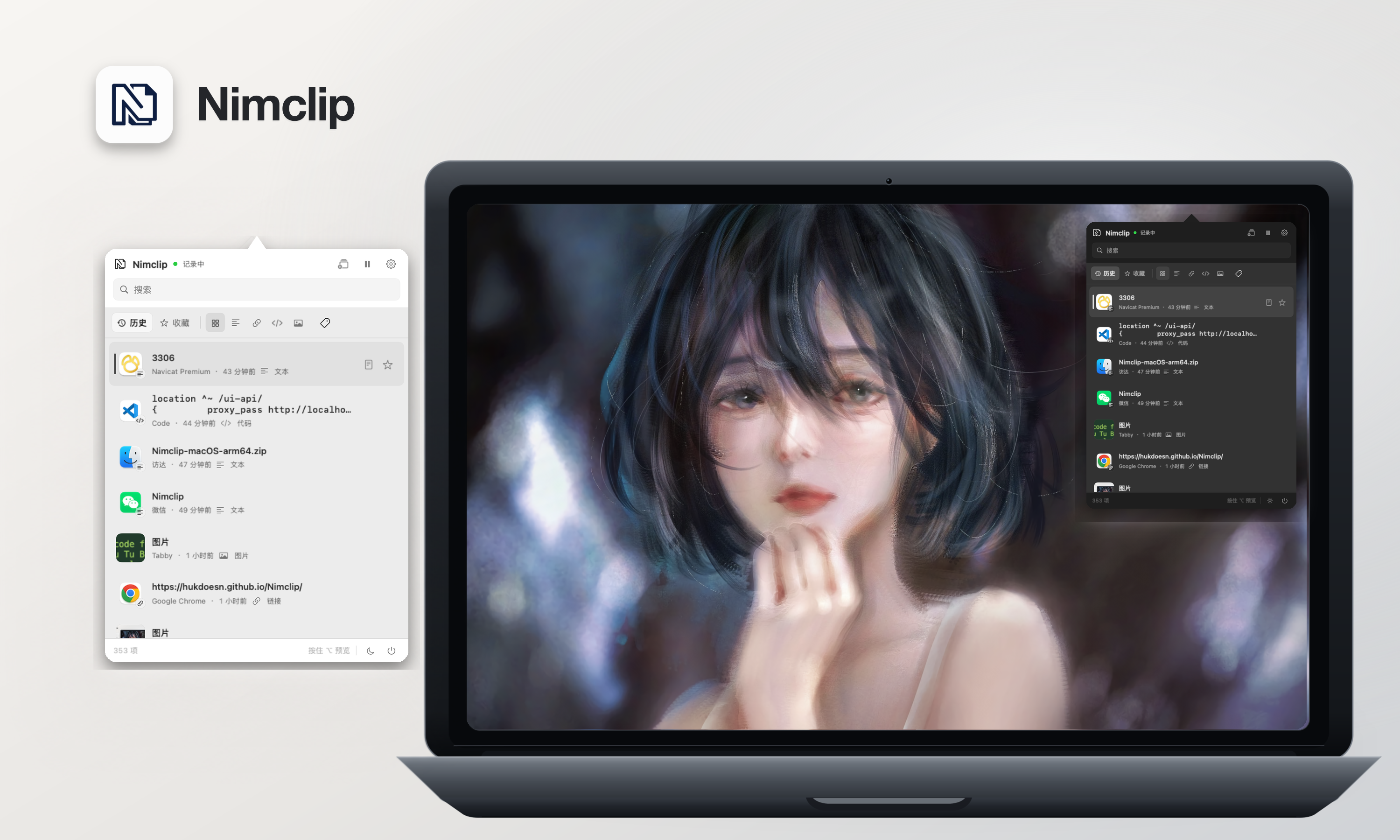
功能 / Features
- 文字、链接、代码、图片和富文本历史
- 搜索、类型筛选、收藏和标签;图片可通过识别出的文字搜索
- 来源应用名称与图标
- 纯文本粘贴和多条内容合并
- 自定义保留数量、保留时间、快捷键和外观;超过上限时自动删除最旧的未收藏记录
- 所有剪贴板数据只保存在当前 Mac,不需要账号,不上传云端
- 图片文字识别使用 macOS 系统 OCR,在本机低优先级串行执行
- History for text, links, code, images, and rich text
- Search, filters, favorites, tags, source application details, and images by recognized text
- Plain-text paste and multi-item merging
- Configurable retention, global shortcut, and appearance; the oldest non-favorites are removed automatically at the limit
- All clipboard data stays on your Mac—no account and no cloud upload
- Image text recognition uses macOS system OCR in a low-priority on-device serial queue
界面预览 / Interface Preview
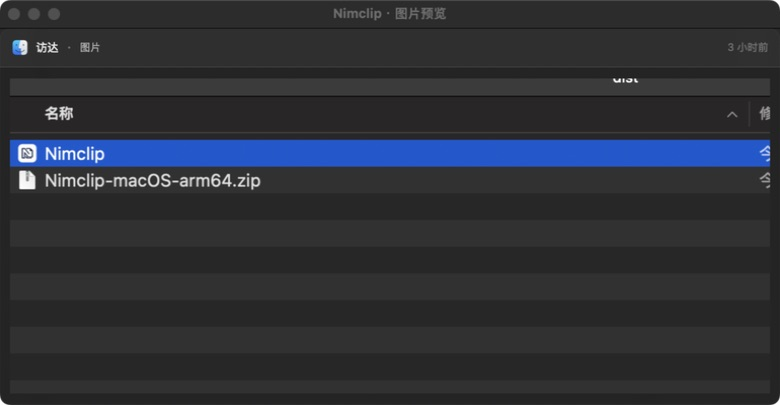
图片历史 / Image History
复制图片后可直接在历史记录中查看缩略图和大图预览。
Copied images remain easy to identify with thumbnails and a full-size preview.
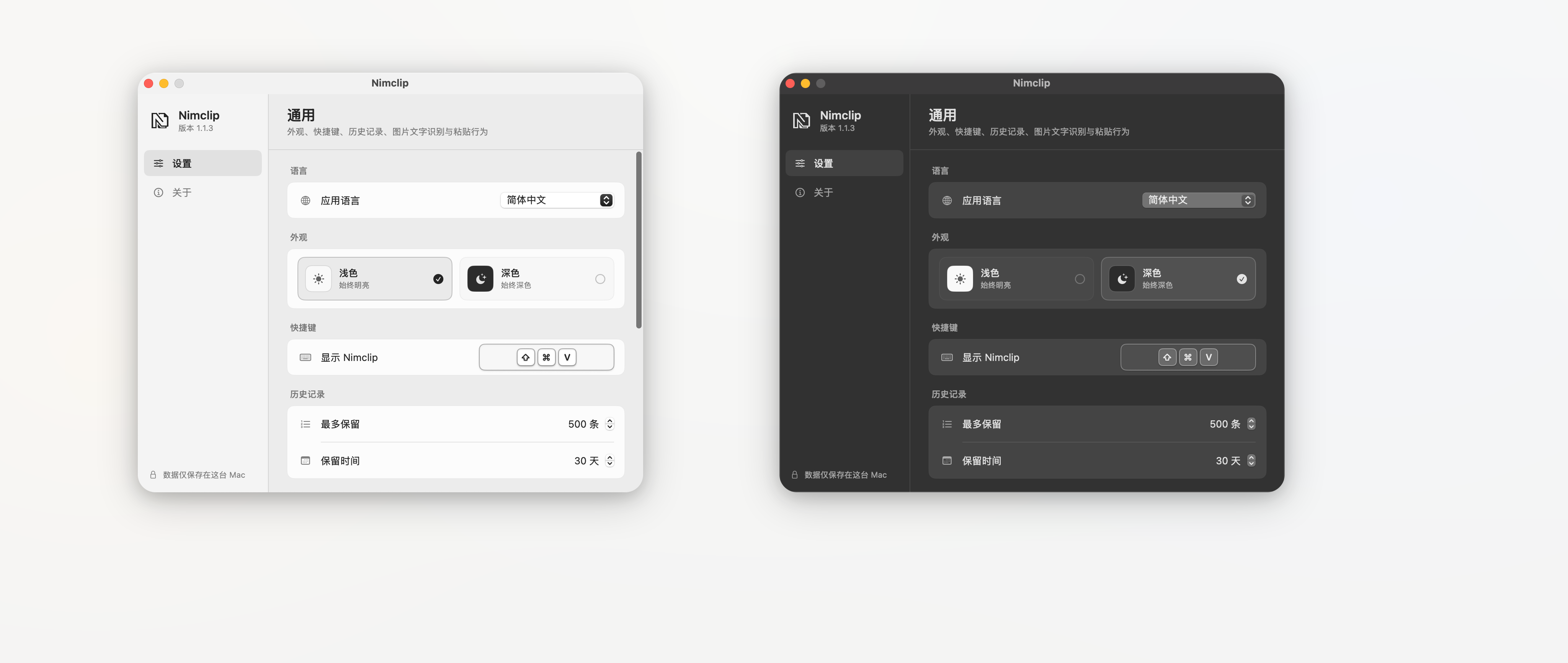
个性化设置 / Personalization
快捷键、保留规则、图片文字识别、粘贴行为和外观均可按自己的工作流调整。
Customize shortcuts, retention, on-device image text recognition, paste behavior, and appearance for your workflow.

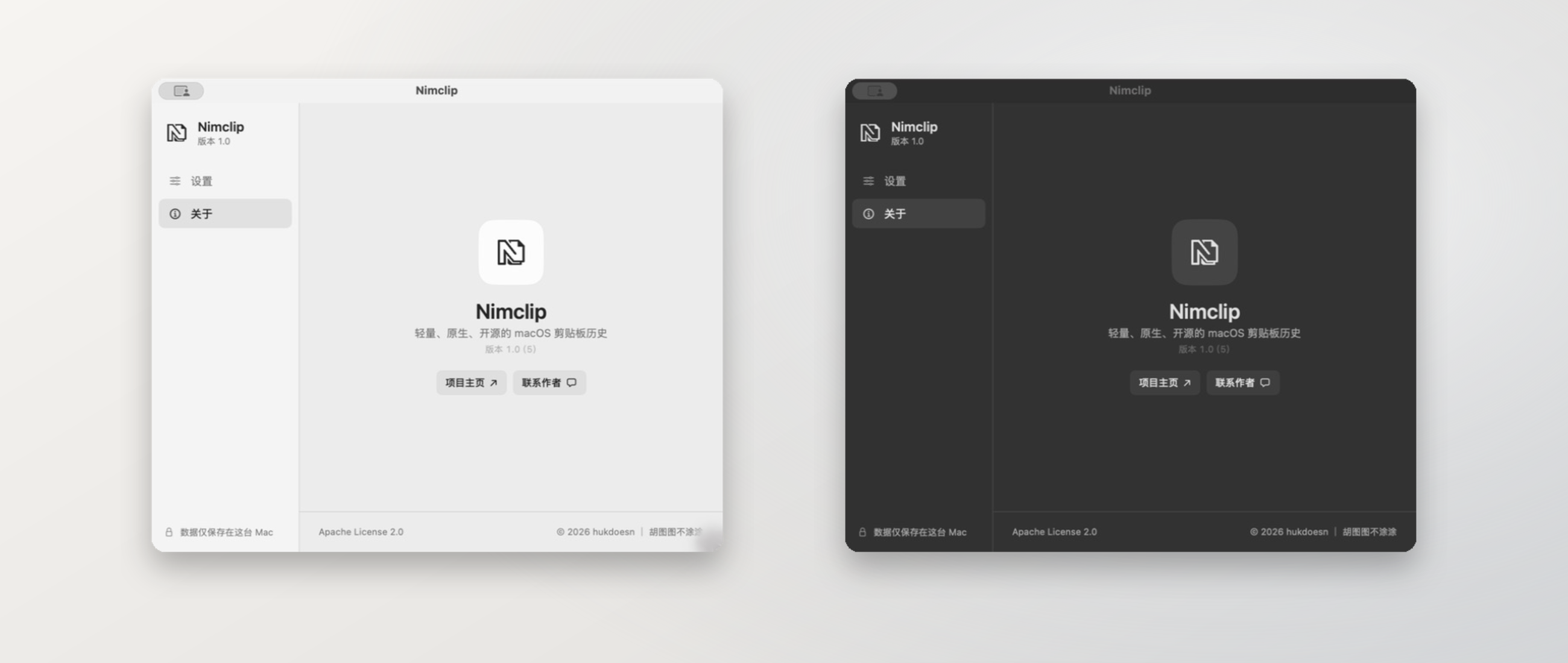
原生体验 / Native Experience
Nimclip 启动后会检查更新,并在运行期间每 10 分钟自动检查一次;同一版本不会频繁提醒。
Nimclip checks after launch and every 10 minutes while running, without repeatedly reminding you about the same version.

安装 / Installation
Nimclip 支持 macOS 15.0 及以上系统。GitHub Releases 提供 Apple Silicon 和 Intel 安装包。
Nimclip requires macOS 15.0 or later. GitHub Releases include builds for Apple Silicon and Intel Macs.
项目采用 Apache License 2.0 开源。